
How to Sell Canva Templates on Etsy: A Step-by-Step Guide
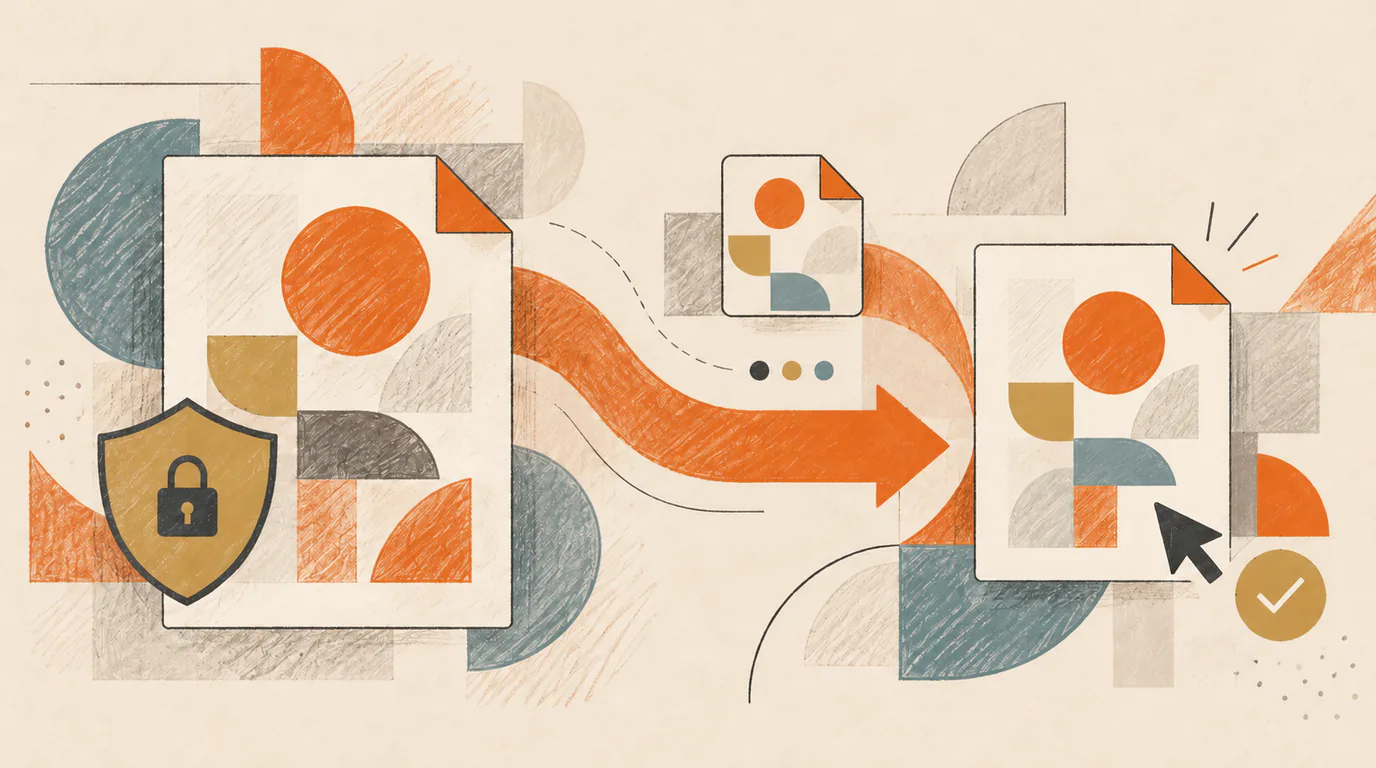
To sell an editable Canva template on Etsy, create an original design, share it with a Canva Template link, and place that link inside a short PDF uploaded to an Etsy instant-download listing.[1][5]
The buyer downloads the PDF from Etsy, opens the link, and uses the design as a template rather than editing your master.[2]
That is the workable route. Most costly mistakes happen when one of its three parts is wrong: the design is not licensed for sale, the seller shares an edit link instead of a Template link, or the listing does not explain what the buyer will receive.
1. Check that the design is yours to sell
Start with the design itself, not the listing.
Etsy allows digital downloads of a seller’s original designs under its “Designed by a seller” standard. A bundle or PDF of someone else’s work does not qualify.[4] Canva also says products for sale must be original designs and that Canva content cannot be resold on a standalone basis. Simple changes such as recoloring, cropping, or placing one library element inside a border may still count as standalone use rather than a new design.[1]
In practice, your template should reflect real design work: your layout, hierarchy, text treatment, combinations of elements, and intended use. Do not take a Canva library template, make a few cosmetic changes, and treat the result as wholly yours.
Next, inspect every photo, graphic, font, audio track, and other element in the file. Canva’s rules vary by content type, and the most restrictive content category in a design can control how the design may be used.[3] This is a licensing check, not a legal opinion. If an element’s source or permitted use is unclear, replace it with content you created, content you licensed separately, or Canva content whose terms you understand.
Canva permits original templates that combine Free and Pro Content, but Pro Content in a template must be delivered as a Canva Template link. Canva says you cannot sell a template containing Pro Content as a PDF or another file type, flattened or otherwise.[1]
Required: Sell an original design and follow the licenses that apply to every included asset.
Recommended: Keep a simple record of third-party assets and their sources. It is much easier to replace one questionable element before launch than to investigate it after a buyer asks.
2. Prepare a clean master in Canva
Keep one master design that buyers never edit directly. Give it a clear internal name, such as Wedding Invitation - Master, then make a separate working copy for final checks.
Before creating the buyer link:
- remove draft pages, comments, placeholder notes, and unused uploads;
- check names, dates, contact details, and sample text for accidental personal information;
- delete hidden pages or cropped content you would not want a recipient to see;
- confirm the page size and intended export format;
- decide which text, colors, photos, and layout elements the buyer may change.
This clean-copy habit is practical rather than ceremonial. Remove anything the buyer does not need before you create the link. final-final-2 is not a protection strategy, however familiar the name may look.
If you use Pro elements, decide how you will describe them. Canva’s licensing guidance says Free users see watermarks on Pro content and must buy a license for that use or subscribe to remove them.[3] Do not advertise a template as “free Canva account only” if a buyer may face a Pro-content cost. You can replace Pro elements with Free ones, or state clearly which elements require Pro access and offer replacement instructions where appropriate.
3. Create a Canva Template link, not an edit link
A Template link is the access method that matters. It lets recipients view and use the design as a template while keeping your source design separate.[2]
Canva currently limits creation of Template links to Canva Pro, Canva Teams, Canva Enterprise, Canva for Education, and Canva for Nonprofits accounts.[2] For commercial Etsy work, use an account and content license that permit the sale. Canva for Education’s Pro content is limited to educational, noncommercial use, so an Education plan should not be treated as a shortcut for a commercial shop.[3]
To create the link:
- Open the clean master design.
- Select Share.
- Choose Template link. If it is not visible, select See all.
- Select Create template link.
- Copy the resulting URL.[2]
Do not use a collaboration link that grants edit access to the original. Open the link in a private browser window where you are not signed into your seller account. It should offer the recipient a template-use flow, not open your master for direct editing.
Canva says anyone can view and use a Template link. One exception applies when the creator uses a work email domain: recipients with the same domain must be on a paid plan, while people using general email domains or outside the organization can continue to open and edit the template.[2]
Template links also need maintenance. If you delete one, Canva makes that URL inactive; creating a replacement produces a new URL.[2] Keep the live link in a small product record so you know which PDF and Etsy listing depend on it.
4. Build the PDF that Etsy will deliver
Etsy does not deliver the live Canva design. For an instant-download listing, Etsy delivers the file you upload to the listing.[5] A short access PDF bridges those two systems.
Create a one- or two-page PDF with:
- the product name;
- a clear button or linked line such as Open your Canva template;
- the Canva Template link behind that button;
- brief instructions for opening, editing, and exporting the design;
- an honest note about any Canva account or Pro Content requirements;
- a support contact or direction to Etsy Messages;
- a reminder that the purchase is digital and no physical item will be shipped.
Name it for the buyer, not for your production process. Open-Your-Wedding-Invitation-Template.pdf is more useful than Etsy-upload-v7.pdf.
Open the exported PDF on both a computer and a phone. Test the button from the actual PDF, not only from the Canva editor. If the link is hard to tap, hidden behind decorative text, or broken during export, the buyer receives a very attractive dead end.
5. Write a listing that explains the access path
Your listing images and description should make the product scope obvious before checkout. Show what can be edited, the number and size of pages, example uses, and what is not included.
State these details plainly:
- this is a digital Canva template, not a physical item;
- the buyer receives a PDF containing the template-access link;
- which parts of the design are editable;
- the design dimensions and page count;
- whether a Canva account is needed to edit and save a copy;
- whether any included elements require Canva Pro or a separate license;
- the intended use and your own customer-use terms;
- how to contact you if the access PDF or link does not work.
Do not promise exclusive ownership of Canva library content. Canva’s Content License Agreement grants specific rights to use its content but does not transfer Canva’s or its contributors’ underlying intellectual-property rights to you.[3]
Listing images should demonstrate the finished result without handing over the editable file. A useful image sequence might show the whole template, close views of editable areas, what the buyer receives, and the three-step access path: download PDF, open link, edit a copy in Canva.
For more detail on the listing itself, use the Etsy listing optimization checklist. Keep this article’s job narrower: making the editable-template delivery work.
6. Create the Etsy digital listing
In Etsy’s listing form, choose Digital files as the item type. For a ready-made template, use an instant-download listing and upload the access PDF.
Etsy currently allows up to five files per digital listing, with a maximum of 20 MB per file. Buyers see the uploaded file names, and Etsy does not let you rename a file after upload without replacing it. Digital listings also do not support variations.[5]
A small access PDF will normally fit comfortably within those limits. If the product includes several template links, you can organize them inside one clearly labeled PDF rather than making the buyer guess which Etsy file to open first.
Complete the title, description, category, price, images, attributes, and tags based on the product you are selling. Save the listing as a draft until the delivery check is complete.
7. Test the buyer path from beginning to end
Test in layers before publishing:
- Download the exact PDF you uploaded to Etsy.
- Open it on a computer and a phone.
- Select the template button while signed out of your Canva seller account.
- Confirm that Canva offers the template-use flow rather than edit access to the master.
- Sign in with a buyer-style account and make a small, obvious change.
- Export the design in the format promised by the listing.
- Confirm that Pro elements, fonts, and account requirements behave as described.
- Read the listing once more as someone who has never seen the product.
After a legitimate sale, verify the Etsy portion too. Etsy makes instant downloads available after payment is confirmed, and buyers retrieve them through the Purchases section and the listing’s Downloads page. Etsy currently says digital purchases cannot be downloaded through the Etsy app; buyers need Etsy.com in a mobile browser or on a computer.[6]
Do not create extra accounts or arrange a fake transaction to manufacture activity or a review. Etsy prohibits shilling and actions that artificially inflate a shop’s reputation.[8]
A concise launch check
Before you publish, confirm that:
- the design is original and every asset has an appropriate commercial-use basis;
- the master contains no private notes, stray pages, or buyer-edit permissions;
- the link is a Canva Template link;
- the PDF opens and its link works on desktop and mobile;
- the listing explains the PDF-to-Canva access path;
- Canva account and Pro Content requirements are accurate;
- the Etsy file name is buyer-friendly;
- a buyer can edit a copy and export the promised result.
The listing is ready when a buyer can move from Etsy to an editable copy without relying on anything you remember but forgot to write down.
Sources
[1] Canva: Use Canva to design digital and physical products for sale
[2] Canva: Share your design as a template link
[3] Canva’s Content License Agreement and Canva licensing explained
[4] Etsy’s Creativity Standards
[5] Etsy: How to Manage Your Digital Listings
[6] Etsy: How to Download a Digital Item