Printable Coloring Pages for Etsy: Make a Pack
To make printable coloring pages for Etsy, choose who will use them and how much detail they want. Create your own line art, export it at the paper sizes you promise, then print and color the finished files. Package the checked pages with clear instructions and list them as a digital download. Start with a small, coherent pack rather than a page-count target.
A drawing can look beautiful at full-screen zoom and leave almost nothing to color once printed. The spaces between your lines are part of the product. Check those spaces before making twenty more pages in the same style.
Choose a coloring activity, then a theme
Write a one-sentence brief that describes the use, not just the subject. For an illustrative pack: “An adult using colored pencils can finish a simple garden scene in a short coloring session, without working through dense patterns.”
That suggests open shapes, modest detail, and a clear focal subject. It doesn’t mean every adult wants simple pages. Someone who enjoys detailed botanical drawings is buying a different activity, even if both packs feature flowers.
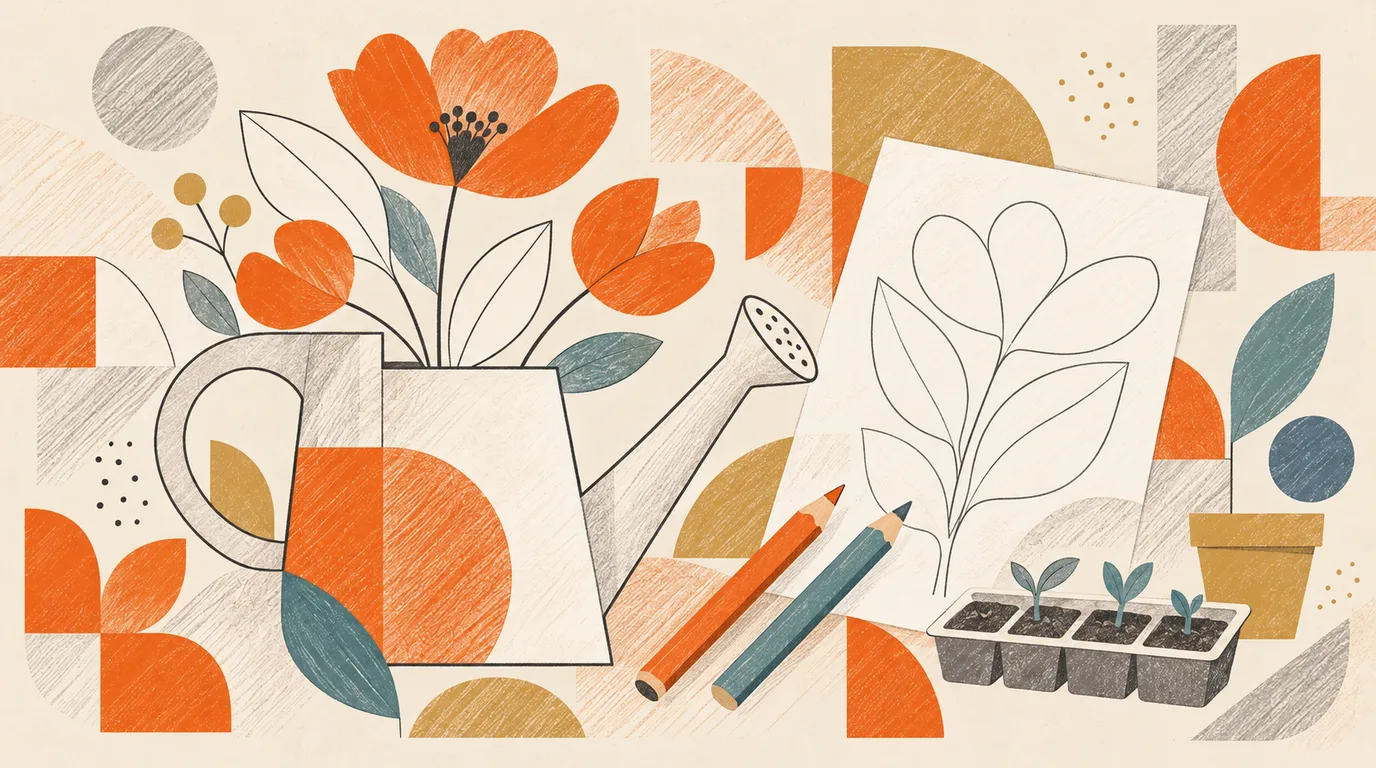
Choose a few subjects that belong together. Our example will contain eight original garden designs, including a watering can with flowers, a potting bench, and a seed tray. Keep the level of detail consistent enough that the buyer isn’t surprised by a crowded page halfway through the pack.
Before drawing the full set, inspect relevant Etsy listings and reviews. Look for how sellers describe complexity, which page details they show, and specific questions about printing or use. Use that to clarify your own offer, not to reproduce another seller’s drawings. A search result can show what’s available; it doesn’t establish demand or likely sales.
Make one representative page first. The watering can should prove the pack’s style before you commit to the remaining designs.
Make line art that leaves room to color
Draw at the intended page shape, with essential artwork away from the edges. Start with clear outlines on a white background. Add interior detail only when it gives the person coloring a useful choice.
For the watering can, a few broad petals and separate leaves create recognizable areas to fill. Packing tiny leaves behind the handle may look richer in a preview, but those narrow slivers can disappear beneath the pencil point on paper. Enlarge them, remove some, or simplify the overlap.
Inspect the first page for four common problems:
- Accidental gaps make it unclear where one shape ends. Close them unless the open contour is intentional and easy to understand.
- Nearly touching lines create tiny wedges. Move the lines apart or remove the unnecessary detail.
- Large black fills occupy areas the buyer might expect to color. Use them deliberately rather than filling every shadow.
- Inconsistent strokes make some parts look unfinished. Compare the outlines across the page and the pack.
There isn’t one line weight that proves a coloring page works. A bold outline may suit broad, simple shapes; a finer line may suit pencil work with more detail. Judge it at printed size with the intended coloring tool. Increasing every stroke can close the very spaces you’re trying to preserve.
Don’t automatically turn every simple page into a densely patterned “adult” version. If you offer another complexity level, design and test it as a separate experience. A new pattern layer changes the activity, not just the decoration.
Resolve artwork permissions before expanding the pack
Etsy’s Creativity Standards recognize digital downloads of sellers’ original designs and exclude a bundle, scan, or PDF of someone else’s work.[2] Drawing your own garden subjects is a clear starting route. Don’t trace protected characters or copy another seller’s finished page to save time.
If you use licensed elements, check the actual license for your intended downloadable product. Look specifically for restrictions on standalone asset resale, extractable graphics, required modifications, and the permissions you can give buyers. Keep the license and purchase record. A general “commercial use” label isn’t enough to decide all of those questions.
Permission and Etsy eligibility are separate checks. Resale permission for someone else’s finished coloring pages doesn’t, by itself, establish that the pack meets Etsy’s original-design standard.[2] Etsy also makes sellers responsible for having the necessary rights to their content.[3] If the license is unclear, replace the element or get clarification from the rights holder before building the set around it.
Prepare printable PDFs at the promised sizes
For our garden pack, make one US Letter PDF and one A4 PDF, each containing the same eight designs. Offering both is a practical choice, not an Etsy requirement. You can start with one size if that’s the offer you clearly describe.
Set the physical document size in your editor before export. US Letter is 8.5 × 11 inches. If you add A4, make an A4 layout and check the placement and usable coloring spaces again. Renaming the Letter PDF doesn’t create an A4 version.
Reserve a blank margin around the artwork. Printer printable areas differ, so don’t make an edge-to-edge border necessary to understand the scene. Leave enough space to avoid clipping on your test setup, and don’t promise universal printer compatibility from one proof.
Keep vector and raster checks separate
Vector lines describe shapes mathematically and can scale without the pixelation of a raster image. Raster artwork is made of pixels, so enlarging it spreads those pixels over a larger printed area.[5]
If you draw with vector tools, preserve those lines in the PDF where your editor supports it. If you draw or scan pixel-based artwork, check its resolution at the size it will actually print. Adobe identifies 300 pixels per inch, or PPI, as a standard for high-quality close-viewed prints.[4] Treat that as a sensible starting point for raster artwork, not an Etsy rule or a substitute for a proof.
For example, a full Letter-size raster canvas at 300 PPI is 2,550 × 3,300 pixels. A smaller illustration placed inside the margins doesn’t need to fill that entire canvas. What matters is its pixel density at its placed size. Changing a resolution label won’t recover missing detail from a blurry source.
A PDF can contain vector lines, raster artwork, or both. Its file extension doesn’t make a low-resolution drawing sharp.
Export only what the buyer needs
Keep your editable master separate. Export the finished coloring pages as PDFs, using settings that preserve clean lines and sufficient image quality. For this untrimmed home-print pack, leave crop marks and bleed off. Avoid aggressive compression that damages fine outlines.
PDF is the practical first deliverable here because it keeps the pages together at a defined size. Individual PNGs are optional. Add them only for a purpose you can explain and test, such as a separately supported digital-coloring workflow, rather than treating extra formats as automatic value.
Open each export outside your editor. Check the page dimensions, order, orientation, artwork, and count. Remove accidental blank pages, draft labels, and anything that shifted during export. Our printable design guide covers the broader layout decisions; this pack’s next check is whether the shapes work with a pencil.
Test the printed pages with the intended coloring tool
Print the representative page before finishing the set. Then print every finished design in every included size. Use ordinary paper appropriate to the use you describe and record the filename, paper, and print settings.
Start with matching paper and actual size/100%. In Acrobat, Actual Size prints without scaling; Fit resizes the page to the paper’s printable area. Actual Size can still crop content that doesn’t fit.[8] Inspect the print preview rather than assuming the setting protects the artwork.
Color the smallest spaces, overlapping shapes, and a broad open area with the pencils intended for our example. Notice where the drawing requires more effort than the product brief suggests. A leaf that takes careful maneuvering isn’t necessarily a defect, but it doesn’t belong in a pack sold as open, simple coloring.
Use the result to decide what to fix:
| What you find | What to change first |
|---|---|
| The watering-can spout or outer leaves are clipped | Confirm paper and scaling, then move the artwork farther inside the page. |
| Fine outlines look faint or broken | Check the source and export, then adjust contrast or stroke weight and print again. |
| Tiny spaces become mostly black | Simplify the shape or increase its size before adding more detail. |
| A scanned page has gray patches behind the lines | Clean the background without erasing the outlines, then re-export. |
| One design feels much denser than the rest | Reduce its detail or move it to a differently described pack. |
If you recommend Fit as a fallback, try it too. It may prevent clipping, but it also makes the coloring spaces smaller. Decide whether that result still suits your offer.
Fix the source, export again, and repeat the affected checks. Inspect every page; coloring a representative selection doesn’t catch a missing line on an unexamined page. If possible, ask someone who enjoys the intended type of coloring to try a page without your explanation.
These are tests for you to perform, not results claimed for this illustrative pack. One successful print also can’t prove the same result on every buyer’s printer or paper.
Package and list the checked coloring pack
For the eight-design example, keep the buyer package clear:
garden-coloring-letter.pdf: eight coloring pages in US Letter.garden-coloring-a4.pdf: the same eight designs in A4.start-here.pdf: file choices, printing directions, buyer-use terms, and your Etsy contact route.
Eight designs in two paper sizes are still eight designs, not sixteen different coloring pages. Count any cover or instructions separately from the coloring pages.
In the starting guide, name the paper sizes and explain the print setting you checked. Tell buyers to choose the matching PDF and check for clipping before printing the whole pack. Describe the files as non-editable if that’s what you supply. Don’t imply that printable PDFs include a tested tablet-coloring setup.
Choose buyer-use terms you have the rights to offer and state them before purchase. Personal printing, use by one teacher with a class, and permission to redistribute the files are different scopes. None should be silently assumed from the word “printable.”
Show an overview of the actual included designs and a close-up that reveals the line density. A photo of a printed, partly colored proof can show scale and use. Identify colored examples as examples; don’t imply that pencils, finished colored art, or physical sheets are included.
An illustrative listing description could begin:
Digital download: eight original garden coloring designs with open shapes for colored-pencil use. Includes non-editable PDFs in US Letter and A4, plus printing instructions. The two PDFs contain the same designs. No physical item will be mailed.
Change every part of that description to match your finished files. For pricing, shop setup, and the wider listing process, use our guide to selling printables on Etsy.
Use Etsy’s native delivery for a small pack
When creating the listing, choose Digital files. For a ready-made instant download, upload the buyer files before publishing. Etsy currently allows up to five files, with a maximum of 20 MB per file; PDF, PNG, and ZIP are supported formats.[1] Check each exported file’s size. Our three-file arrangement can be delivered directly if each file fits.
Name the files before uploading. Etsy shows buyers those names, and filenames are limited to 70 characters using letters, numbers, periods, underscores, or hyphens.[1]
Give buyers a short download instruction: sign in to Etsy in a browser, go to Purchases, and select Download Files once payment is confirmed. Etsy currently doesn’t support downloading digital purchases through its app. Guest buyers receive their download link in the receipt email.[6]
Add linked delivery only when there’s a reason
For a larger bundle that doesn’t fit, first consider splitting it into clearly named PDFs or a ZIP within Etsy’s limits. Don’t reduce image quality simply to squeeze the pack into one file.
An independent alternative is a dedicated cloud folder containing only the buyer files. Set the necessary viewing and download permissions, put its link in an access PDF, and attach that PDF to Etsy. Explain the delivery route before purchase. Open the exported PDF while logged out, follow the link, and actually download and open the files. Keep the folder available afterward. A stable folder link can let you change its contents without replacing the PDF.
If maintaining files and instructions across several packs becomes the task, Pick Up My Files offers a managed alternative: upload the buyer files, build a branded download page with instructions, and connect the relevant Etsy listings. It generates and attaches the delivery PDF for those listings.[7] Etsy remains the discovery and payment channel. This changes delivery maintenance, not the artwork or print testing.
Finish with a clean-package test
Put a fresh copy of the buyer package outside your working folder. Follow start-here.pdf, choose the correct paper-size file, and print a page without opening the design editor.
For our garden pack, the pass condition is specific: the buyer can identify the eight designs, print a complete page, and color its smallest intended areas comfortably with pencils. If the seed tray only works after you explain which lines to ignore, repair that drawing before expanding the bundle.
Your next action is to export and print the first representative page. It will tell you more about the pack’s readiness than another finished mockup.
Sources
[1] https://help.etsy.com/hc/en-us/articles/115015628347-How-to-Manage-Your-Digital-Listings [2] https://www.etsy.com/legal/creativity [3] https://www.etsy.com/legal/ip [4] https://helpx.adobe.com/photoshop/desktop/crop-resize-transform/resize-adjust-resolution/resolution-specs-for-printing-images.html [5] https://www.adobe.com/creativecloud/file-types/image/comparison/raster-vs-vector.html [6] https://help.etsy.com/hc/en-us/articles/115013328108-Downloading-a-Digital-Item [7] https://pickupmyfiles.com [8] https://helpx.adobe.com/acrobat/current/basic-pdf-printing-tasks.html