
Page visits
Count active delivery-page views.
Analytics
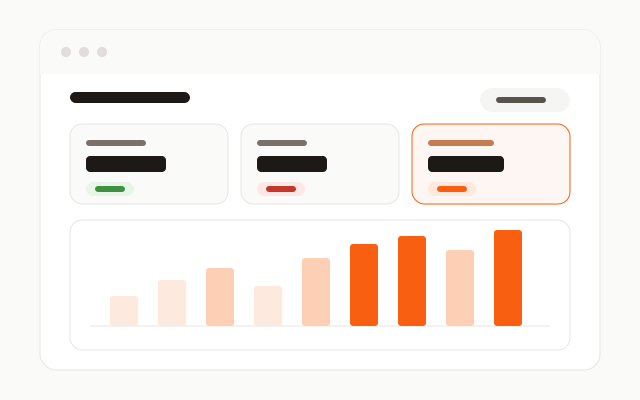
One dashboard for activity on your Pick Up My Files delivery pages: visits, download actions, files delivered, and issues that need attention.
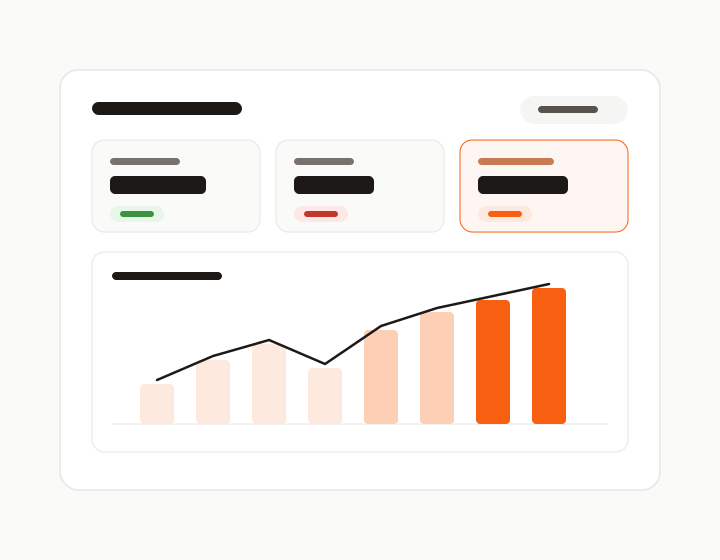
After a buyer opens a Pick Up My Files page, delivery happens outside Etsy’s own screens. This report covers that page activity; it does not provide Etsy orders, revenue, fees, or profit.
Compare page visits with download actions and files delivered. Filter by date range or listing to see where buyers are using your delivery pages.
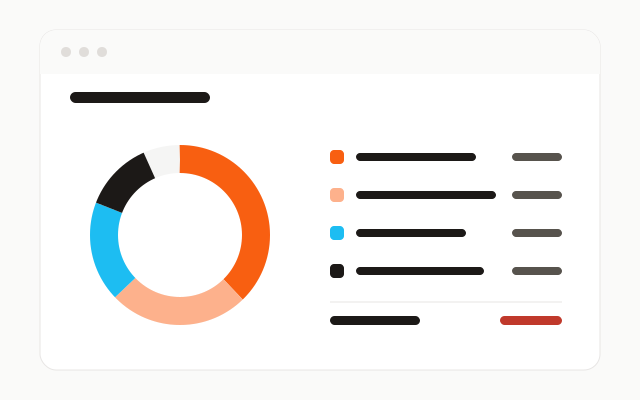
See visits without a download, provider failures, and denied link attempts so you know where to investigate a delivery problem.
How it works
Connect a listing to a published Pick Up My Files page.
Page visits and download activity are recorded on Pick Up My Files.
Filter the report by date range or listing and investigate issues.
Capabilities
Count active delivery-page views.
See how often buyers start a file or Bundle download.
Count file streams that successfully begin.
Compare download actions with eligible page visits.
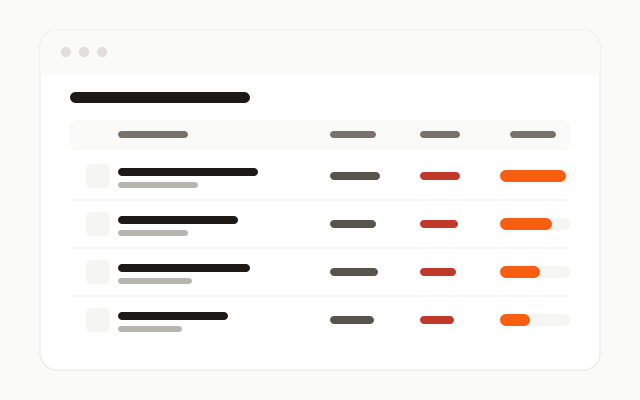
See which listings and files receive delivery activity.
Review provider failures and denied link attempts.
Screenshots
Stop replacing outdated download PDFs. Deliver a modern download experience that grows with your shop.